November 30, 2025
The Honeywell T9 thermostats that we use have a bug. They are complicated beasts that can have remote wireless sensors paired with them. In the Great Room we had to add a remote becauxe the T9 itself had to be mounted on an outside wall, there isn’t any other place to mount it. Therefor, it doesn’t really report temperatures all that accurately. So we found a good spot, out of direct sun and away from the walls for the remote and set it to be the priority device, the one that is used to control the Great Room infloor heating loop.
This page is big because there are three devices and programs involved - the T9, the Honeywell’s Residio app, and Apple’s Home app.
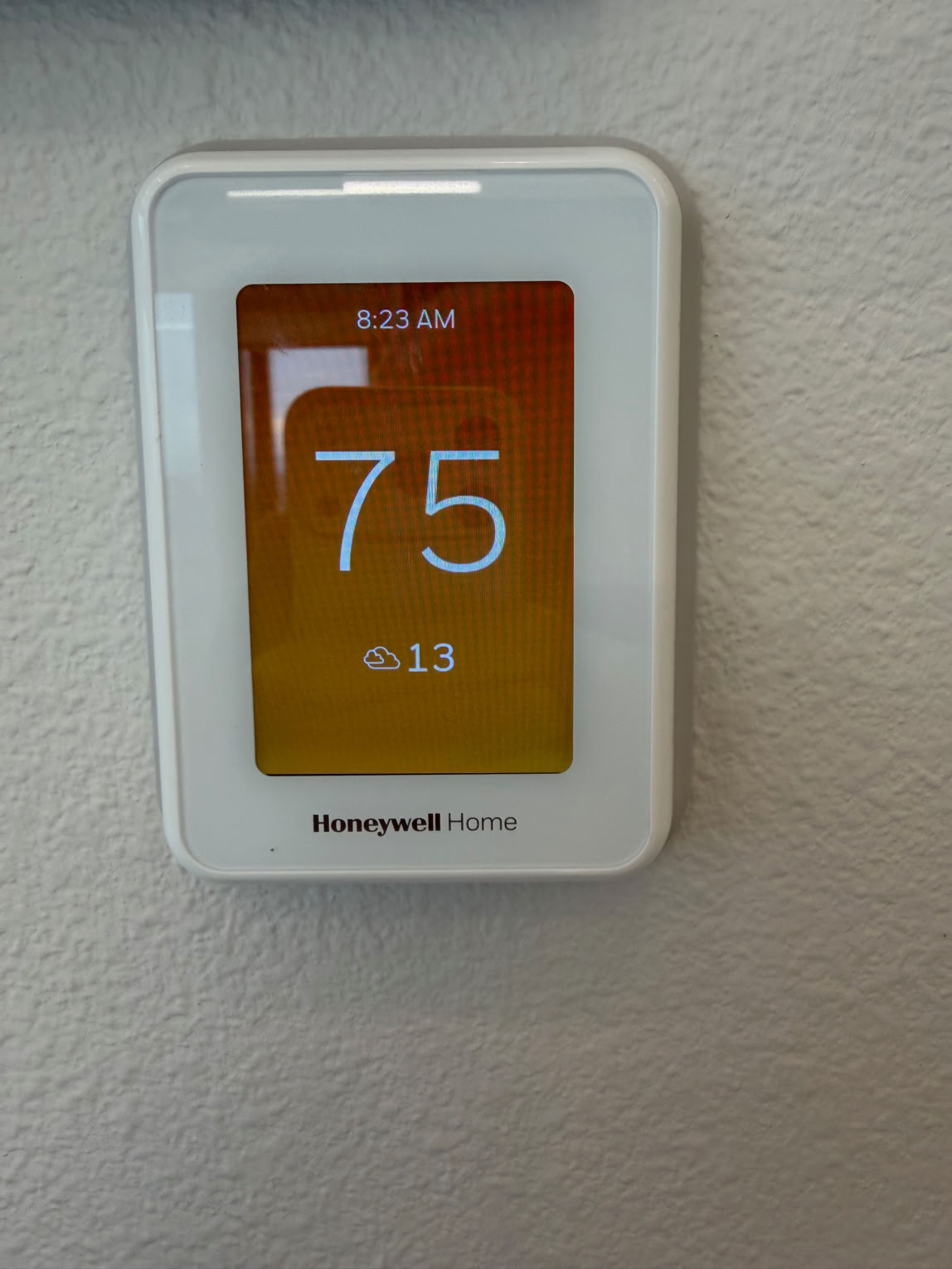

Here’s the T9’s Home page, showing 75°.
Here’s the T9’s Devices and Sensors screen, showing both the T9’s and remote sensor temperatures. There’s five degrees difference! The T9 is on a cold exterior wall. When this was taken the ouside temperature was 13.7°, brrrr! ( the funny sweeps and dots you see in the photos are the moire patterns caused by the phone’s camera and the T9’s pixel-based screen) So, the T9’s display is correct.
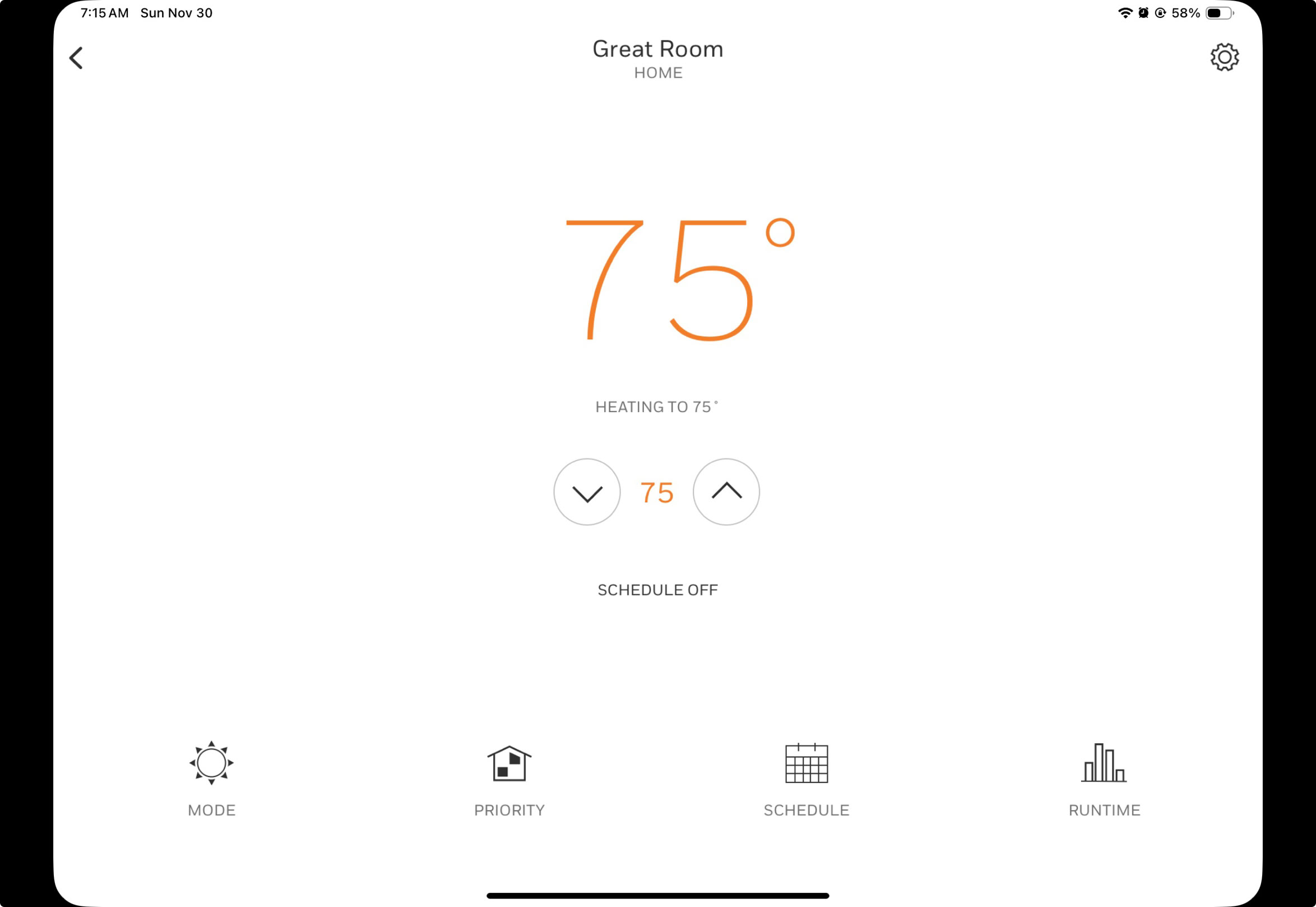
Here’s the Resideo App’s individual thermostat page, showing 75°. This is what should happen, the priority device should be here.
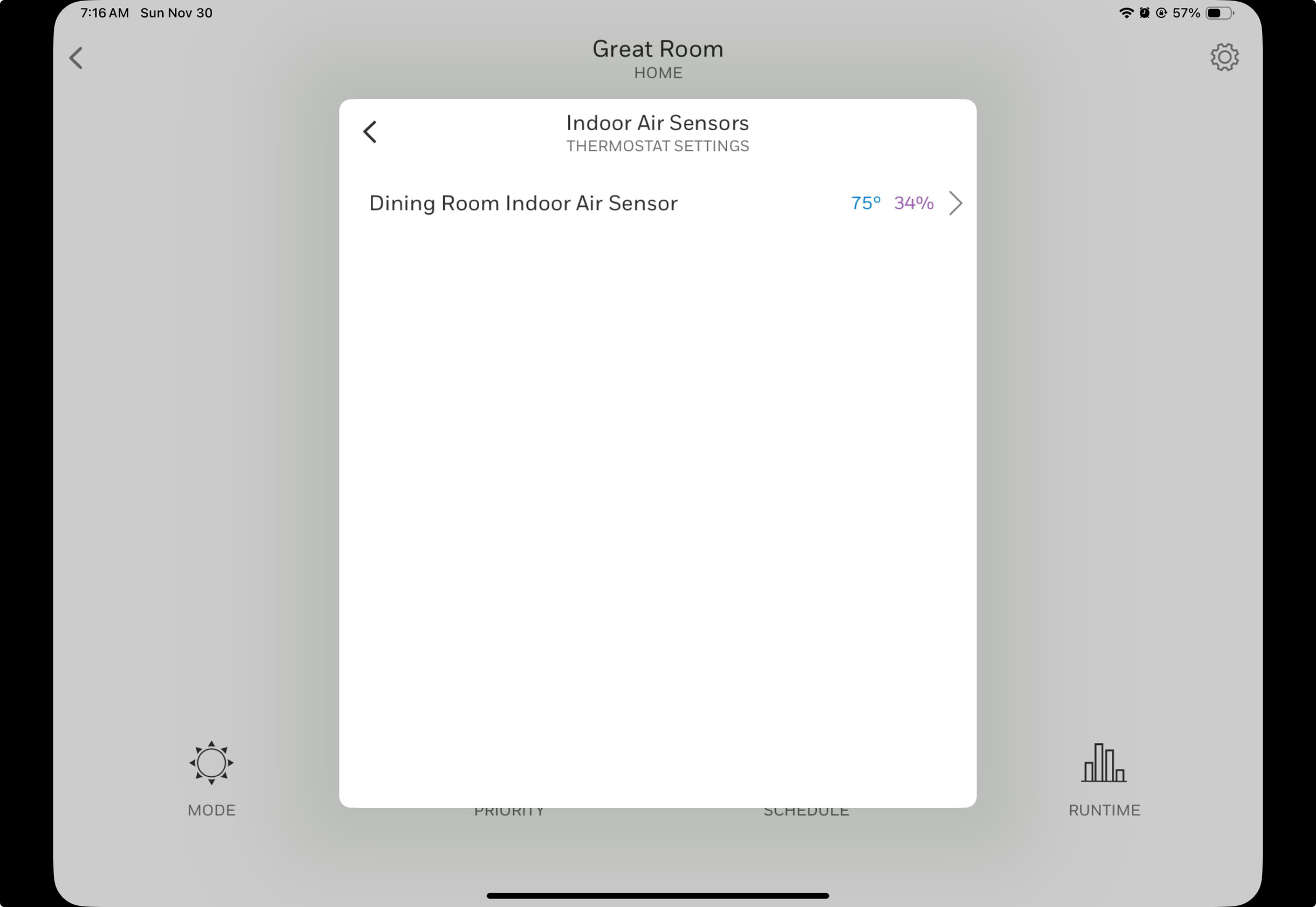
Here’s the Resideo App’s Devices and Sensors page, showing only the remote sensor at 75°. This is wrong, this should show the T9 and all sensors.
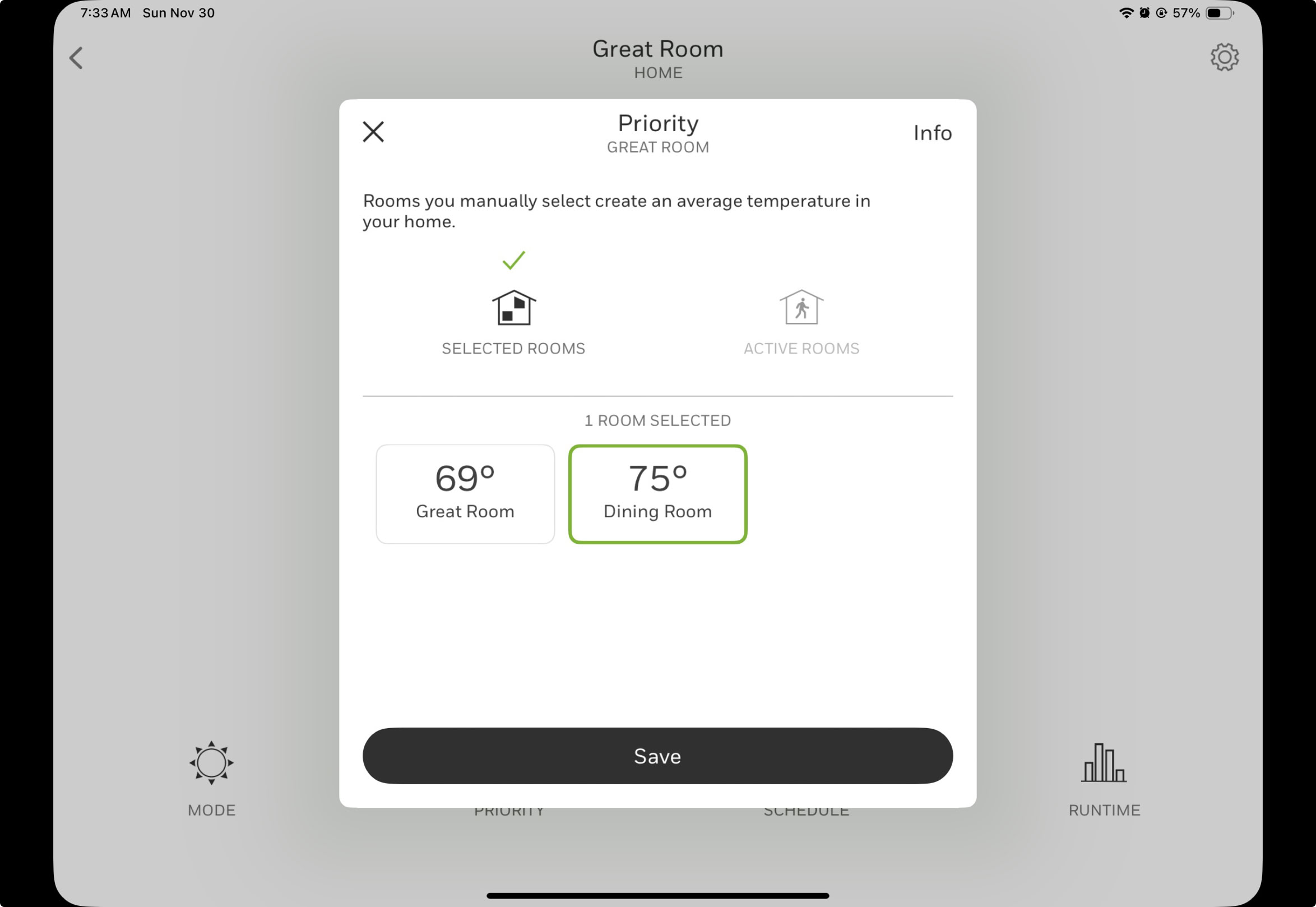
Here’s the Resideo App’s Priority page, showing everything. This is, again, what should happen.
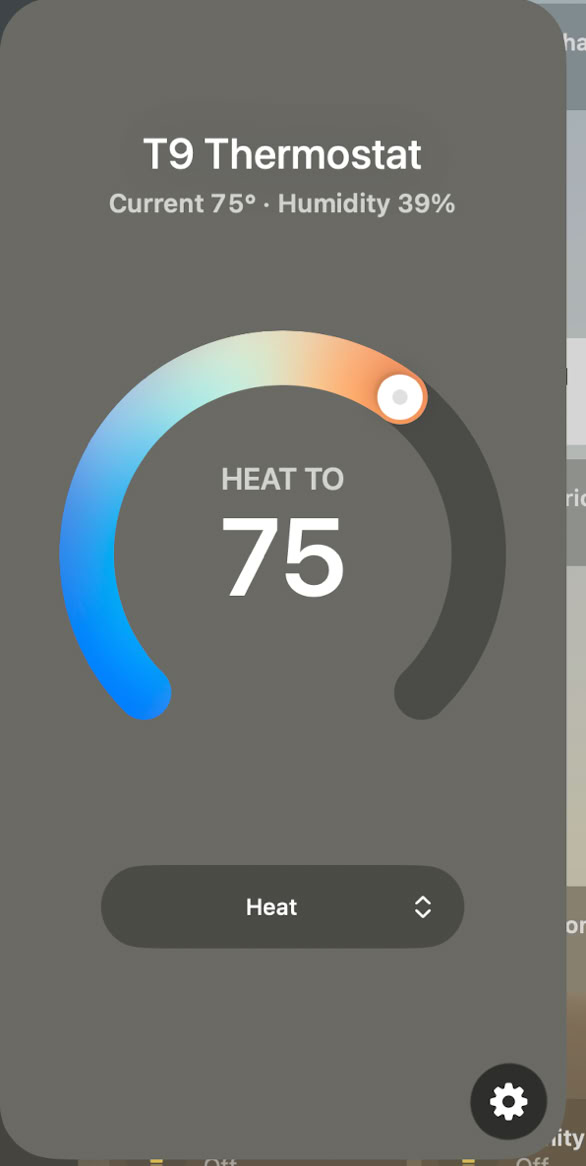
Here’s the Apple Home app’s individual thermostat main page. This is correct, the priority device should be shown.
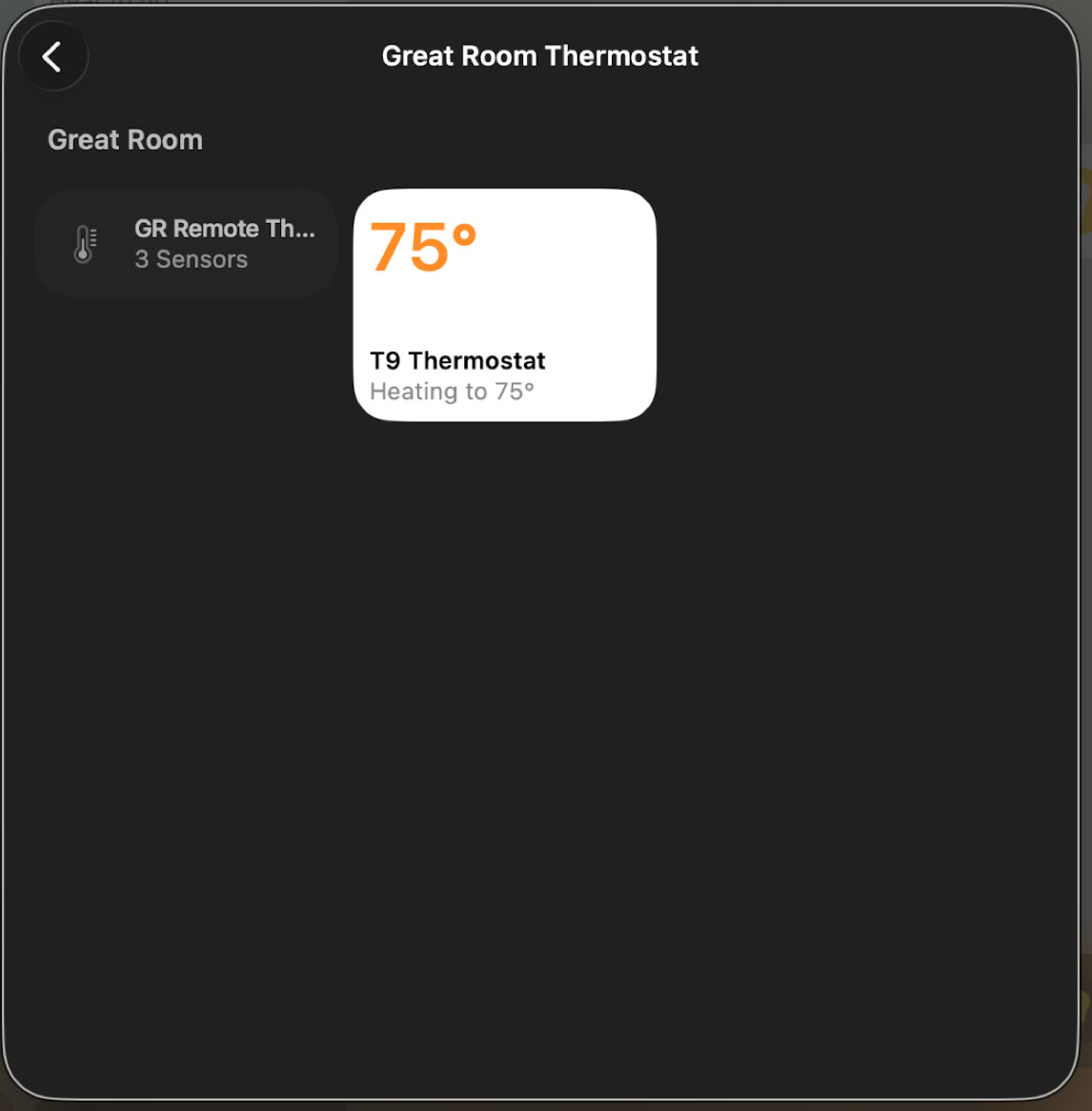
Here’s the Apple Home app’s breakout screen showing that there are two devices, the T9, on the right and the remote on the left. This is wrong, the T9’s reading is not being shown here. Indeed, there is no way, in the home app, to get the T9’s reading.